For most visitors a data-only eSIM is the cheapest choice: about US$8 for 3GB over 7 days, installed before you fly, while your own number keeps receiving SMS codes. Roaming from home is the easiest, and pocket Wi-Fi suits a family sharing one connection. Prices are from each company’s site, checked on 30 October 2026.
By Mikako Yoshida ·Published 28 October 2026 · Updated 30 October 2026
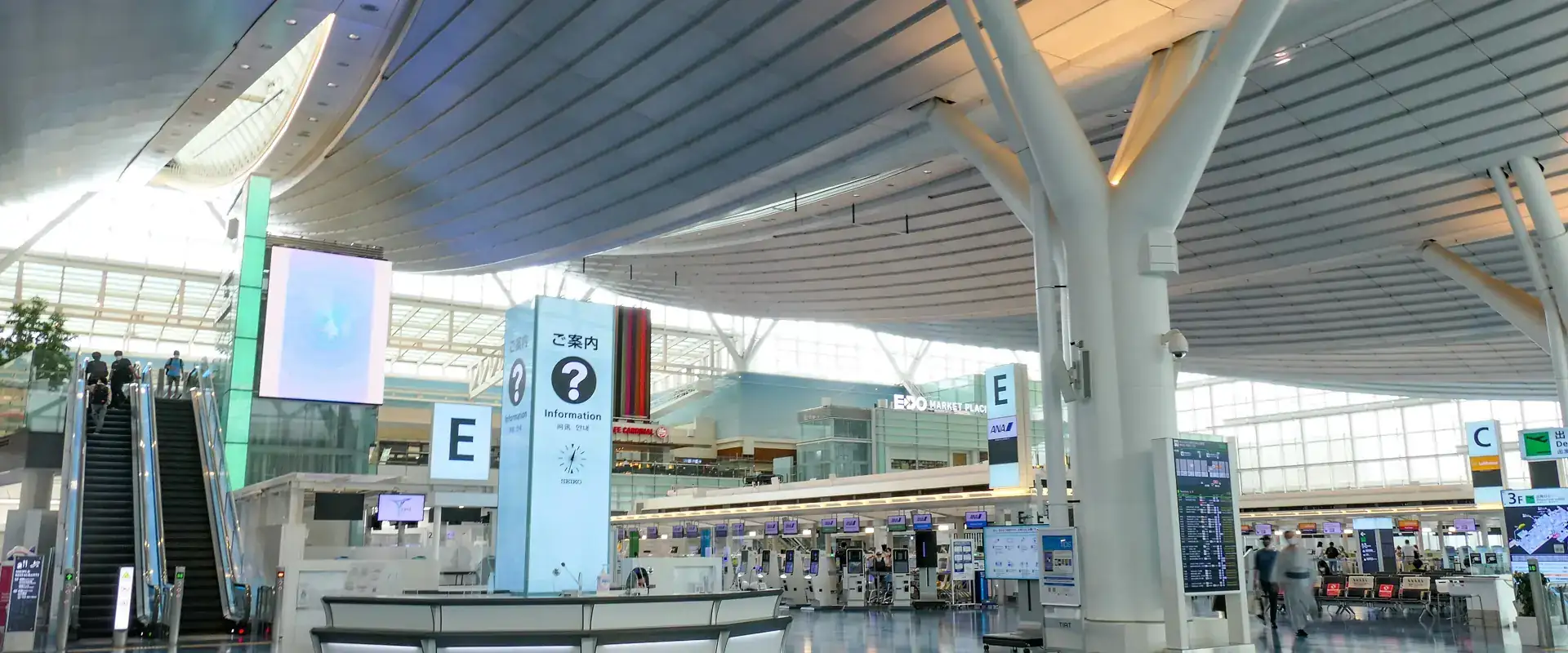
Which one for you
| Option | Best for | Typical price | Watch out for |
|---|---|---|---|
| Travel eSIM (Airalo, Saily, Yesim) | Phones that support eSIM; most trips | US$8–11 for 3–5GB over 7 days; unlimited from US$26.50 for 7 days | Data only: no Japanese phone number |
| Roaming from your home carrier | No setup; short trips | NT$129–149 a day from Taiwan; ₩11,000 a day with KT | Adds up on long trips; speed drops after the daily allowance |
| Pocket Wi-Fi | Families or groups sharing one connection | Daily rental per device | Collect and return the device; one more battery to charge |
| Free airport Wi-Fi | Arrival day, before your eSIM is on | Free | Only inside the airport |
Pick by your trip
| Your trip | What to get |
|---|---|
| Travelling alone or as two, phone supports eSIM | A travel eSIM, installed before you fly |
| 3–5 days, light use (maps, messaging, train times) | A 3–5GB plan |
| 1–2 weeks, with photos, translation and video | 10–20GB, or an unlimited plan with a daily full-speed allowance |
| A family sharing, or a phone without eSIM | Pocket Wi-Fi, or a physical SIM card |
| Phone locked to a carrier | Ask your carrier to unlock it first; no travel eSIM works until then |
Japan eSIM prices (US$, checked 30 October 2026)
| Data | Airalo | Saily | Yesim |
|---|---|---|---|
| 1GB | US$4.00 (3 days) | US$3.99 (7 days) | US$4.44 (30 days) |
| 3GB | US$7.50 (3 days), US$8.00 (7 days) | US$7.99 (30 days) | – |
| 5GB | US$10.00 (7 days), US$10.50 (15 days), US$11.00 (30 days) | US$10.99 (30 days) | US$10.56 (30 days) |
| 10GB | US$17.00 (7 days), US$17.50 (15 days), US$18.00 (30 days) | US$17.99 (30 days) | US$19.20 (30 days) |
| 20GB | US$24.00 (15 days), US$25.00 (30 days) | US$24.99 (30 days) | US$29.76 (30 days) |
| Unlimited, 7 days | US$26.50 | US$26.99 | US$29.40 |
| Unlimited, 30 days | US$69.00 | US$71.99 | US$66.00 |
| Network in Japan | SoftBank, plus two other networks | KDDI and SoftBank | KDDI |
Estimate your data
Hours a day on…
Cheapest plan that is big enough and lasts long enough (checked 30 October 2026):
For trips over 30 days, Klook and KKday sell unlimited plans by the day.
Rough use per hour: maps 30 MB, web and messaging 100 MB, social media and standard-quality video 700 MB, video calls 540 MB.
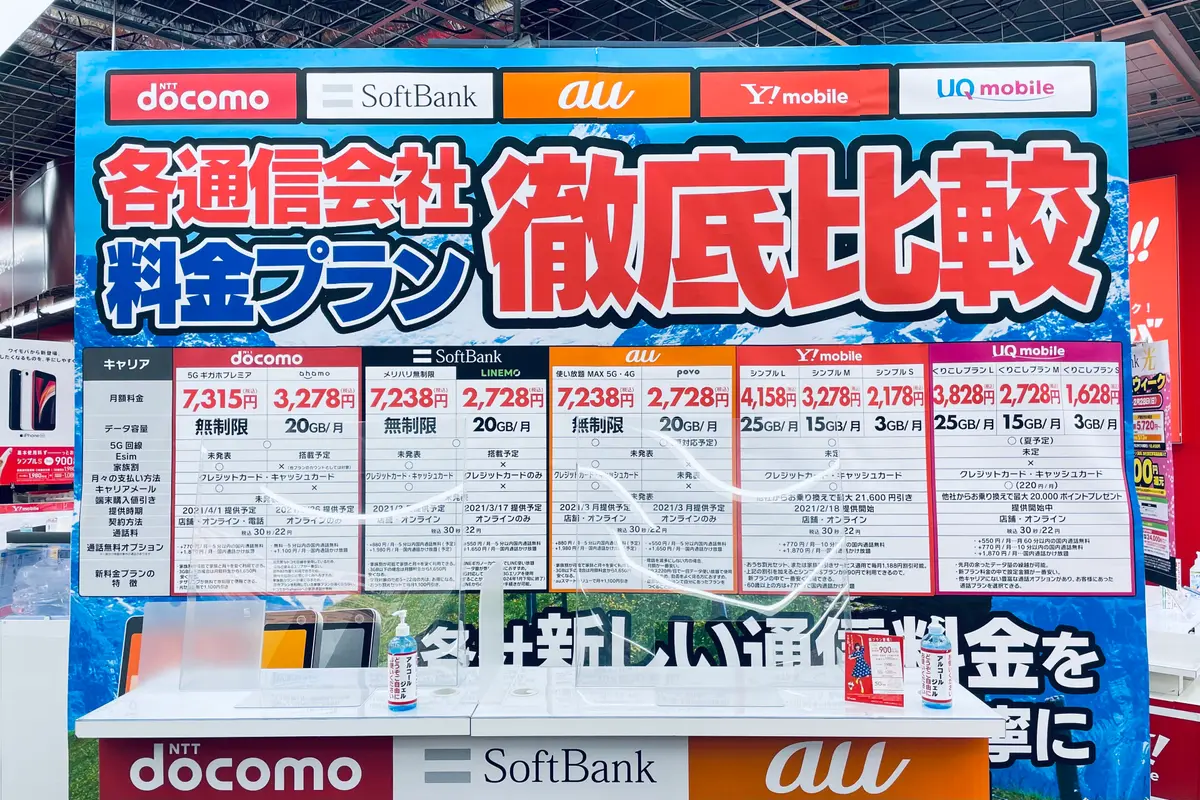
Choosing a plan
Maps, messaging and translation apps use little data, so 5GB is usually enough for a week unless you stream video or share the connection. “Unlimited” plans slow down after a daily amount: Airalo to 1Mbps after 3GB a day, Saily after 5GB a day.
Compare the network as well as the price, since coverage in the mountains and on trains differs by carrier. Saily and Yesim say hotspot sharing is included; Airalo’s Japan page does not say. Yesim plans must be activated within 90 days of purchase.
Saily and Yesim sell unlimited plans for any number of days from 1 to 30, Airalo for 3, 5, 7, 10, 15 or 30 days. Saily plans start automatically 180 days after purchase if you have not started them yourself.
Buy: Airalo, Saily, Yesim. Klook and KKday also sell Japan eSIMs priced in your own currency, including daily unlimited plans.
Setting up an eSIM
Check your phone
iPhone XS, XR and later models support eSIM, and the phone must not be locked to a carrier: on an iPhone, Settings > General > About shows “No SIM Restrictions” next to Carrier Lock. Some iPhones sold in Hong Kong and Macao take two physical SIM cards instead.
Install it before you fly
Buy the plan and scan its QR code at home over Wi-Fi, so it is ready when you land.
Switch over when you land
Set mobile data to the travel eSIM and turn on data roaming for that line. Keep your home line on for calls and SMS codes, but turn off its data roaming so your carrier does not charge you.
Top up before you run out
Airalo, Saily and Yesim all sell top-ups in their apps, and Saily can top up automatically. Top up on hotel Wi-Fi rather than waiting until the data is gone, and do not delete the eSIM from your phone: most can be installed only once.
Useful before you fly
Airport transfer when you have a lot of shopping bags
Luggage storage in Tokyo for the hours before an evening flight
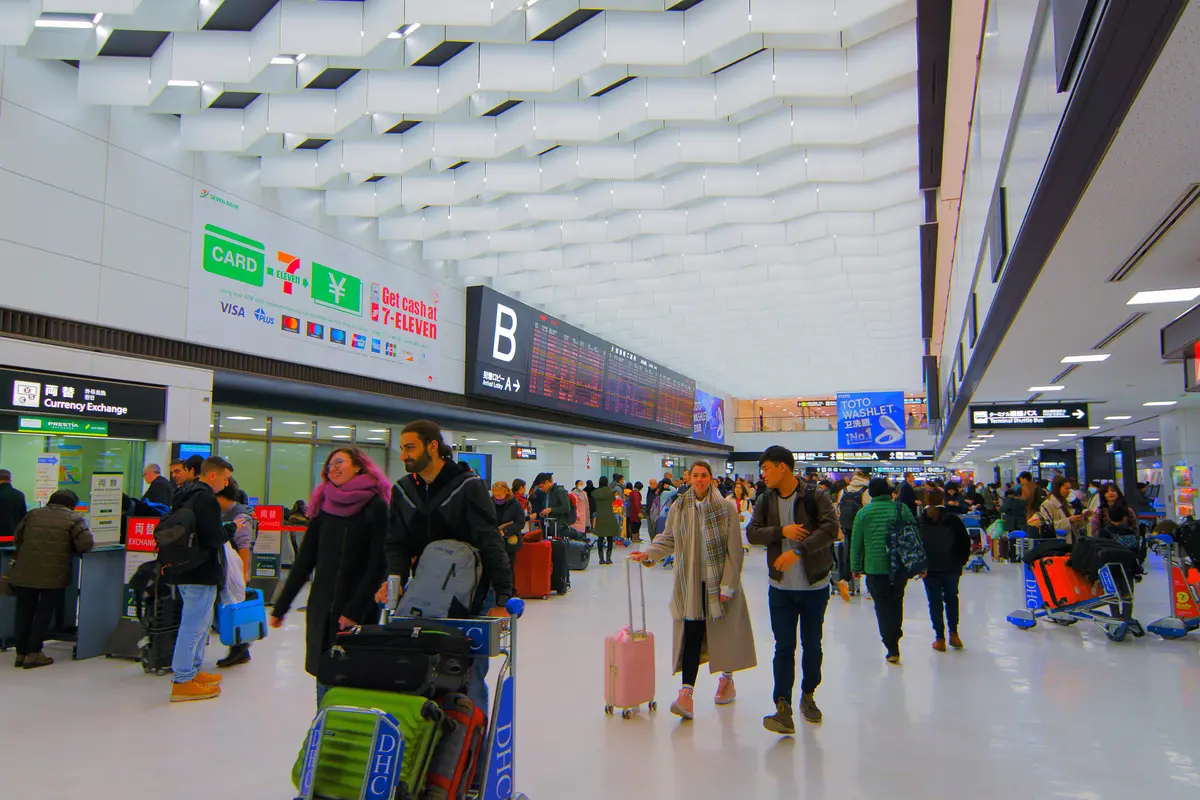
Roaming from home (checked 28 October 2026)
| Carrier | Japan plan | Price |
|---|---|---|
| Chunghwa Telecom (Taiwan) | Daily plan, 2GB a day at full speed | NT$149 a day |
| Taiwan Mobile | 4–30 days, online price until 30 November 2026 | NT$129 a day |
| FarEasTone (Taiwan) | 4–30 days, 2GB a day at full speed | NT$129 a day |
| SKT baro (Korea) | 3GB for 30 days, 195 countries | ₩29,000 |
| KT (Korea) | Daily roaming basic, 1GB a day | ₩11,000 a day |
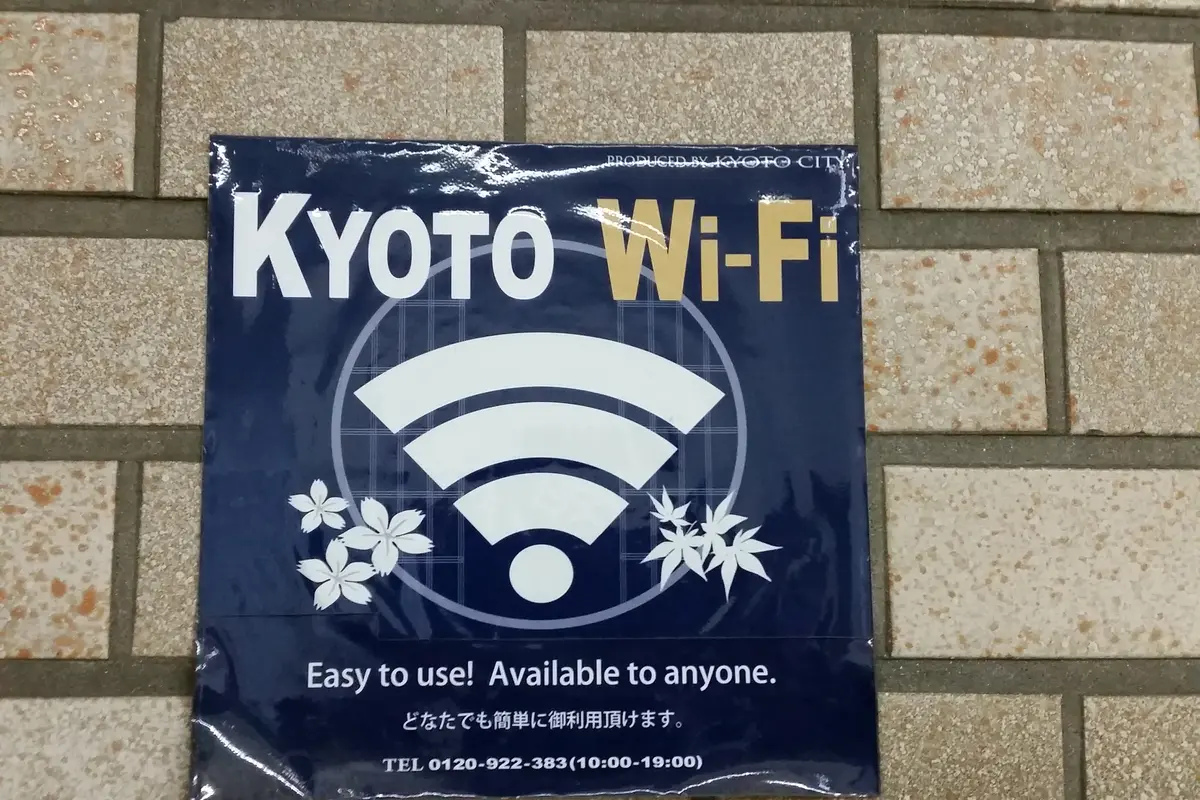
Pocket Wi-Fi and free airport Wi-Fi
A pocket Wi-Fi router shares one connection with several phones, which can work out cheaper for a family. Ninja WiFi rents them by the day, with pick-up counters at Narita, Haneda and Kansai airports.
Narita (FreeWiFi-NARITA) and Haneda (HANEDA-FREE-WIFI) have free Wi-Fi in every terminal: enough to switch on your eSIM or look up the route to your hotel when you land.
Keep data working on your last day
From 1 November 2026, tax-free purchases are refunded after the customs check when you leave, and some refund companies ask you to register a card in an app or on a website. Make sure your plan still covers the day you fly home. At the airport, do the customs kiosk check before you check in any bag: see where the kiosks are at Narita, Haneda and Kansai.
Questions
Do I need a Japanese phone number?
eSIM or a physical SIM card?
Can I make LINE or WhatsApp calls?
Will my LINE account or number change?
What happens when the data runs out?
Can I share the connection with a laptop or my family?
Related guides
More articles
Bringing purchases home to Canada from Japan
CBSA personal exemptions after a trip to Japan: CAN$200 or CAN$800, alcohol and tobacco limits, CAN$10,000 cash rule and CFIA rules on meat.
Read the article
Tax-free at Japan’s drugstore chains from 1 November 2026
Tax-free at Sundrug, Tsuruha, Daikoku Drug, Kokumin, Welcia and Sugi from 1 November 2026: what each chain says, refund fees, coupons and medicine rules.
Read the article
MUJI tax-free shopping in Japan from 1 November 2026
MUJI tax-free in Japan from 1 November 2026: which stores are tax-free, the Ginza flagship, passport and entry stamp rules, member points and the refund.
Read the article
Bringing purchases home to the Philippines from Japan
Returning to the Philippines from Japan: ₱10,000 duty-free limit, cigarettes and liquor, OFW allowances, eTravel declaration, cash limits and meat rules.
Read the article
Tax-free shopping at Japan’s outlet malls from 1 November 2026
Tax-free at Japan’s Premium Outlets and Mitsui Outlet Parks from 1 November 2026: per-shop tax-free, the ¥5,000 minimum, counters, coupons and refunds.
Read the article
Bringing purchases home to the UK from Japan
Returning to the UK from Japan: the £390 goods allowance, alcohol and tobacco limits, what you pay above them, the £10,000 cash rule and the ban on meat.
Read the article
Yodobashi Camera tax-free shopping from 1 November 2026
Yodobashi Camera tax-free from 1 November 2026: refunds through Global Blue, cash on the spot at 11 stores, coupons, and the big Akiba and Umeda stores.
Read the article
Australian duty-free allowance after a trip to Japan
Returning to Australia from Japan: A$900 duty-free per adult, A$450 under 18, 2.25 litres of alcohol, 25 cigarettes, cash and biosecurity rules.
Read the article
Hong Kong customs allowance after a trip to Japan
What you can bring back to Hong Kong from Japan duty-free: 1 litre of spirits, 19 cigarettes, cash over HK$120,000 to declare, and banned items.
Read the article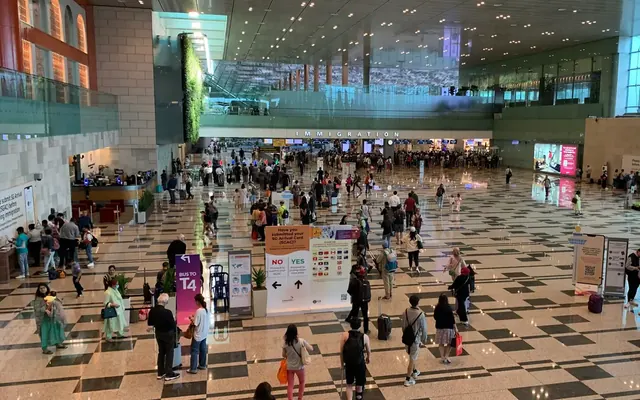
Singapore customs allowance after a trip to Japan
Returning to Singapore from Japan: GST relief of S$500 or S$100, liquor options for sake and umeshu, no duty-free cigarettes, food limits and Customs@SG.
Read the article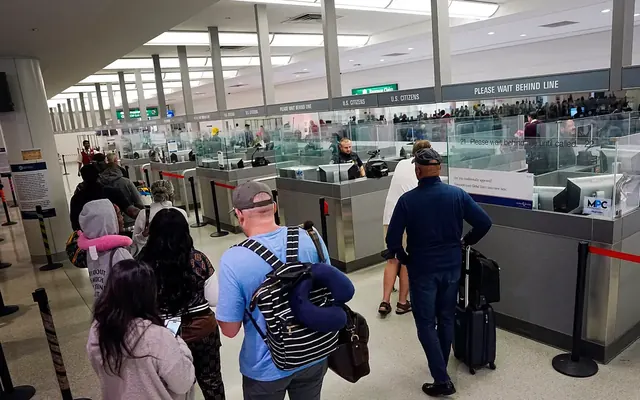
US customs allowance when you return from Japan
Returning to the US from Japan: US$800 duty-free per person, a 3% flat rate on the next US$1,000, 1 liter of alcohol, 200 cigarettes and USDA food rules.
Read the article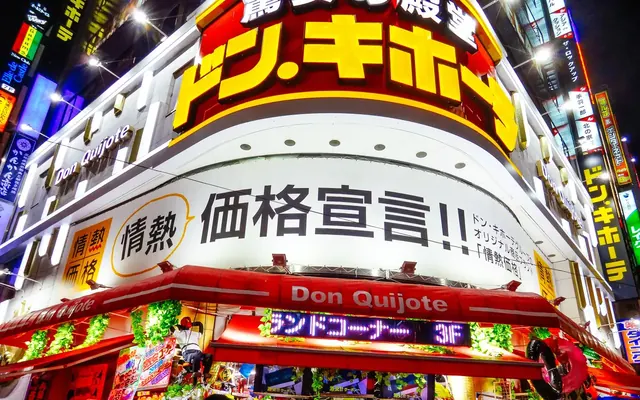
Tax refund fees by store, from 1 November 2026
Which shops deduct a fee from Japan’s tax refund from 1 November 2026: Don Quijote charges none, department stores deduct one, many chains have not said yet.
Read the article
Tokyo Subway Ticket: is it worth it?
The Tokyo Subway Ticket costs ¥1,000 for 24 hours, ¥1,500 for 48 and ¥2,000 for 72. Add your rides to see if it beats paying by IC card, and where to buy it.
Read the article
Renting a car in Okinawa: what you need
Renting a car in Okinawa as a visitor: Japanese translation or IDP by country, shuttle pick-up at Naha Airport, prices from about ¥7,700 a day, NOC, ETC and bus lanes.
Read the article
Harry Potter Studio Tour Tokyo: tickets and tips
Warner Bros. Studio Tour Tokyo: adult tickets ¥6,300–7,300 by date, timed entry, official sellers including Klook and KKday, the winter event and getting to Toshimaen.
Read the article
Ghibli Museum and Ghibli Park: how to get tickets
Ghibli Museum tickets go on sale on the 10th of the month before; Ghibli Park passes two months ahead. Prices, official sellers, closed days and how to get there.
Read the article
JR Pass calculator: pass or single tickets?
Add your Shinkansen and airport train trips and see whether the 7, 14 or 21-day JR Pass costs less than single tickets. Fares from JR, checked 29 October 2026.
Read the article
How much eSIM data do you need in Japan?
Enter your days in Japan and how you use your phone to see how many GB you need, and the cheapest Airalo, Saily or Yesim plan that fits. Prices checked 28 October 2026.
Read the article
Before you fly to Japan: a checklist to tick off
What to book and set up before a Japan trip, in order: hotels, JR Pass, timed tickets, eSIM, Visit Japan Web, yen and Suica, then arrival day and the tax-free check.
Read the article
Narita Airport to central Tokyo: Skyliner, N’EX or the bus?
Narita Airport to Ueno, Tokyo Station, Shinjuku, Shibuya and Yokohama compared: Keisei Skyliner, JR N’EX, the Limousine Bus, the ¥1,500 bus and taxis, with fares and times. Plus Haneda to central Tokyo.
Read the article
Kansai Airport to Osaka and Kyoto: HARUKA, rapi:t or the bus?
Kansai Airport to Namba, Umeda, Tennoji, Shin-Osaka, Kyoto and USJ compared: HARUKA, Nankai rapi:t, the Kansai Airport Rapid and the limousine bus, with fares and times. The HARUKA visitor ticket went up on 1 November.
Read the article
Is the Japan Rail Pass worth it in 2026?
JR Pass prices in 2026 (7 days ¥50,000), when it pays off against single Shinkansen tickets, the Nozomi special ticket, and the regional passes now the Kansai Area Pass has ended.
Read the article
Suica and ICOCA for visitors: which card to get
Welcome Suica, regular Suica, ICOCA, TOURIST PASMO and Suica on iPhone compared: prices, deposits, the 28-day limit, refunds and where to buy at Narita, Haneda and Kansai, plus tap-to-pay credit cards on Tokyo and Osaka trains.
Read the article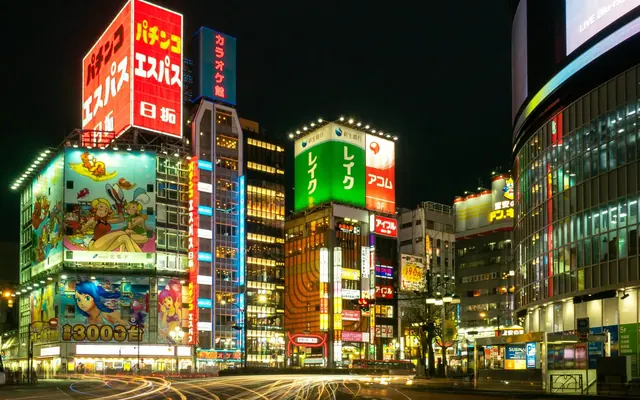
Where to stay in Tokyo and Osaka on your first trip
Shinjuku, Shibuya, Ueno and Asakusa, Tokyo Station or Shinagawa? Namba, Umeda, Tennoji or Shin-Osaka? Which area suits your trip, how to get there from the airport, and the hotel tax in each city.
Read the article
Haneda Airport to central Tokyo: train, bus or taxi?
Haneda Airport to Shinagawa, Shinjuku, Shibuya, Asakusa, Tokyo Station and Yokohama compared: Keikyu, Tokyo Monorail, Airport Limousine buses and flat-rate taxis, with fares, times and the last trains.
Read the article
SHIBUYA SKY: tickets, sunset slots and rooftop rules
SHIBUYA SKY tickets in 2026: ¥2,700 online before 15:00 and ¥3,400 from 15:00, when booking opens, sunset slots, what you can take onto the rooftop and how to get there from Shibuya Station.
Read the article
teamLab Planets or Borderless: which one, and how to book
teamLab Planets (Toyosu) or teamLab Borderless (Azabudai Hills)? Ticket prices in 2026, time slots, what to wear for the water rooms, how to get there, plus teamLab in Kyoto and Osaka.
Read the article
Universal Studios Japan: tickets, Express Pass and Nintendo area entry
USJ tickets in 2026: 1 Day Studio Pass from ¥8,400 with date-based and demand-based prices, Express Pass types, timed entry to Super Nintendo World and Donkey Kong Country, and how to get there.
Read the article
Tokyo Disney Resort tickets: prices, sales dates and Premier Access
Tokyo Disneyland and DisneySea tickets in 2026: 1-Day Passport ¥8,900–12,400 by date, After 3 and After 5 passports, when sales open, Disney Premier Access prices, Fantasy Springs and how to get there.
Read the article
Osaka Amazing Pass: when it pays off
Osaka Amazing Pass in 2026: ¥3,500 for 1 day, ¥5,000 for 2 days, the new ¥5,300 Kansai Airport version, the main free attractions and when the pass pays off.
Read the article
Mount Fuji day trip from Tokyo: bus, train or tour?
Shinjuku to Lake Kawaguchiko for a Mount Fuji day trip: the ¥2,200 highway bus, the ¥4,200 Fuji Excursion train, sightseeing bus passes, Chureito Pagoda, the 5th Station bus and day tours.
Read the article
Entering Japan: what happens when you land
Arriving in Japan in 2026 from Taiwan, Hong Kong, South Korea or the US: 90-day visa-free stays, the Visit Japan Web QR code, joint kiosks, fingerprints, customs allowances and the meat and fruit you cannot bring.
Read the article
Getting yen in Japan: exchange, ATM or card?
How to get yen in Japan in 2026: Seven Bank and Japan Post Bank ATMs that take foreign cards, limits and fees, airport exchange counters, and how much you can pay by card.
Read the article
JESTA is law: what it means for your trips to Japan
Japan passed the JESTA law in May 2026. What it means for trips in 2026, 2027 and from 2028, what is still open, and how to avoid fake application sites.
Read the article
A day trip from Tokyo to GREEN×EXPO 2027
Visiting GREEN×EXPO 2027 in Yokohama as a day trip from Tokyo: the train and shuttle route, what to book in advance, timing and what it costs.
Read the article
Airport duty-free in Japan and how it differs from tax-free shopping
Narita, Haneda and Kansai duty-free shops are not part of the new refund system. What each removes, who can buy, pre-orders, arrival shops and allowances.
Read the article
Department store tax-free shopping from 1 November 2026
Takashimaya, Isetan Mitsukoshi, Hankyu, Daimaru and others from 1 November 2026: the same-day counter, refund fees, 5% visitor discounts and what each store says.
Read the article
UNIQLO and GU tax-free shopping from 1 November 2026
Tax-free shopping at UNIQLO and GU from 1 November 2026: the ¥5,000 minimum per store, passport or Visit Japan Web QR code, and what is not announced yet.
Read the article
Matsumoto Kiyoshi tax-free shopping from 1 November 2026
Tax-free shopping at Matsumoto Kiyoshi and Cocokara Fine from 1 November 2026: what is announced, the 3–7% visitor coupon and keeping medicines unopened.
Read the article
Bic Camera tax-free shopping from 1 November 2026
Tax-free shopping at Bic Camera from 1 November 2026: the reported free refund, the J-TaxRefund system, the visitor coupon and the big stores to visit.
Read the article
Japan’s consumption tax: 10%, 8% and the planned cut on food
Japan’s sales tax, the consumption tax, is 10% on most goods and 8% on food and soft drinks. What it means for your tax refund, and the bill to cut food to 1% from April 2027.
Read the article
Visit Japan Web: how to use it in 2026
How to use Visit Japan Web in 2026: is it mandatory, account and family setup, the entry QR code, the tax-free QR code and the online customs check for refunds.
Read the article
Don Quijote tax-free shopping from 1 November 2026
Tax-free shopping at Don Quijote (Donki) from 1 November 2026: no refund fee except airport cash, the 5% and 7% visitor coupon, passport and card rules.
Read the article
The Visit Japan Web tax-free QR code
The VJW tax-free QR code still replaces your passport in shops — but it does not replace the airport customs check. How to turn it on, what it does, and how the separate online check at 7 airports works.
Read the article
Can you open, use or check in tax-free items?
Yes, you can open them. Clothes, bags and electronics may be used in Japan; food and cosmetics must not be used up. Do the customs check before checking bags.
Read the article
What you can and cannot buy tax-free in Japan
What qualifies for Japan’s tax refund from 1 November 2026: gold bullion and coins no, jewellery and iPhones yes, meals and hotels no, business use now allowed.
Read the article
Japan tax refund apps and websites: J-TaxRefund, JPrefund and the rest
J-TaxRefund has no app and no login page to bookmark: scan the QR code on your receipt, and the site opens in English, Chinese or Korean. JPrefund, Global Blue, PIE VAT and Ocean compared.
Read the article
Bought in October, leaving in November: which tax-free rules apply?
Shopping in Japan just before 1 November 2026 and flying home after? The sale date, not your departure date, decides which tax-free rules apply. Every case explained.
Read the article
Luxury watches, bags and jewellery over ¥1,000,000: getting the tax back
From 1 November 2026, items of ¥1,000,000 or more before tax need extra details on the tax-free record: what the shop records and what you should keep.
Read the article